
Construction software
Quote it.
Build it.
Get paid.
From the first estimate to the final payment, the contract, the crew, and the books stay on one job file. You approve what goes out.
Work Smarter Not Harder

Clients stay on the job, and they see the quote you already approved.
Ask Orvo drafts the estimate, the change order, and the contract.
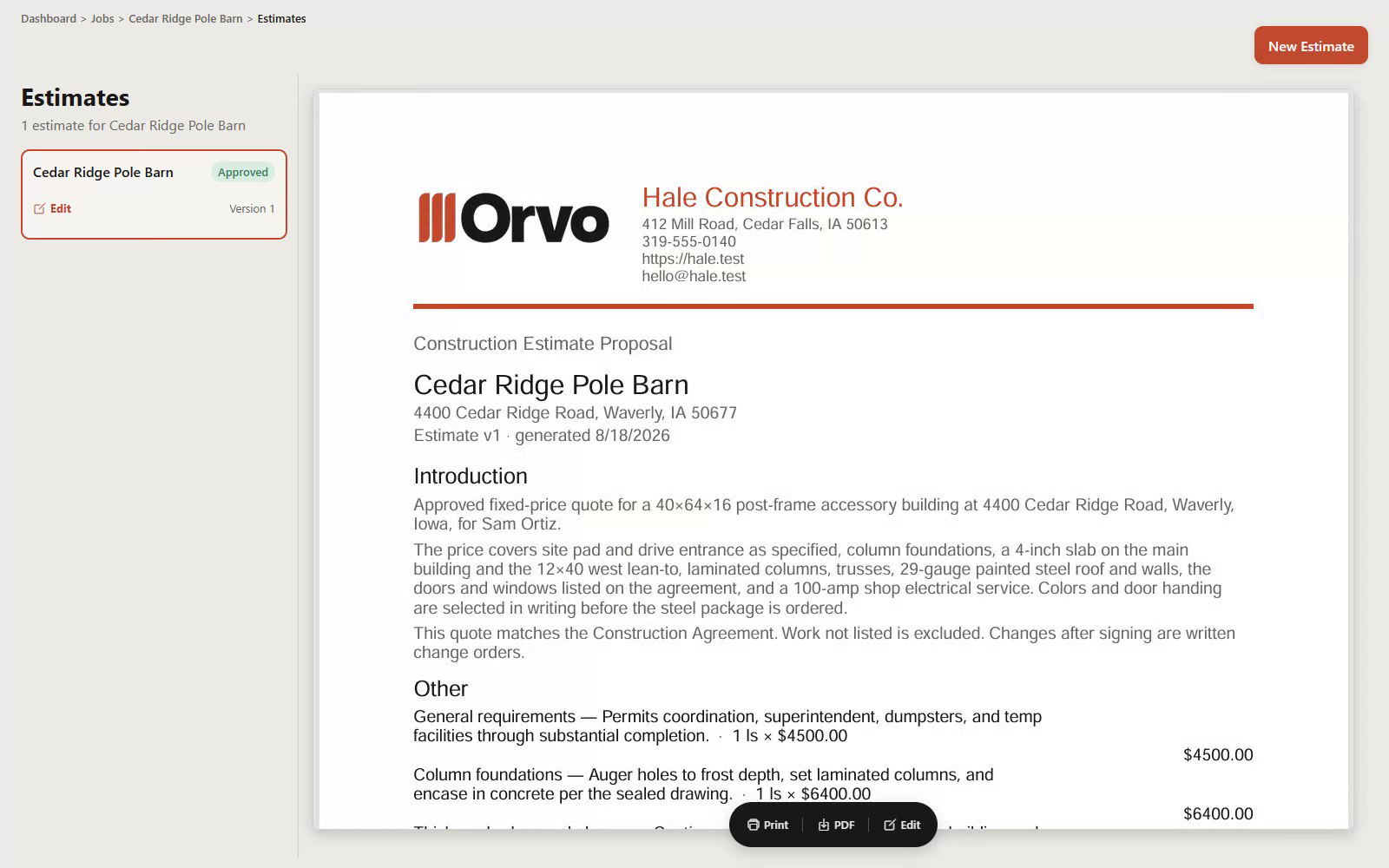
The estimate
Ask Orvo drafts the line items from a job you already did. You edit. You approve. Then it goes out.
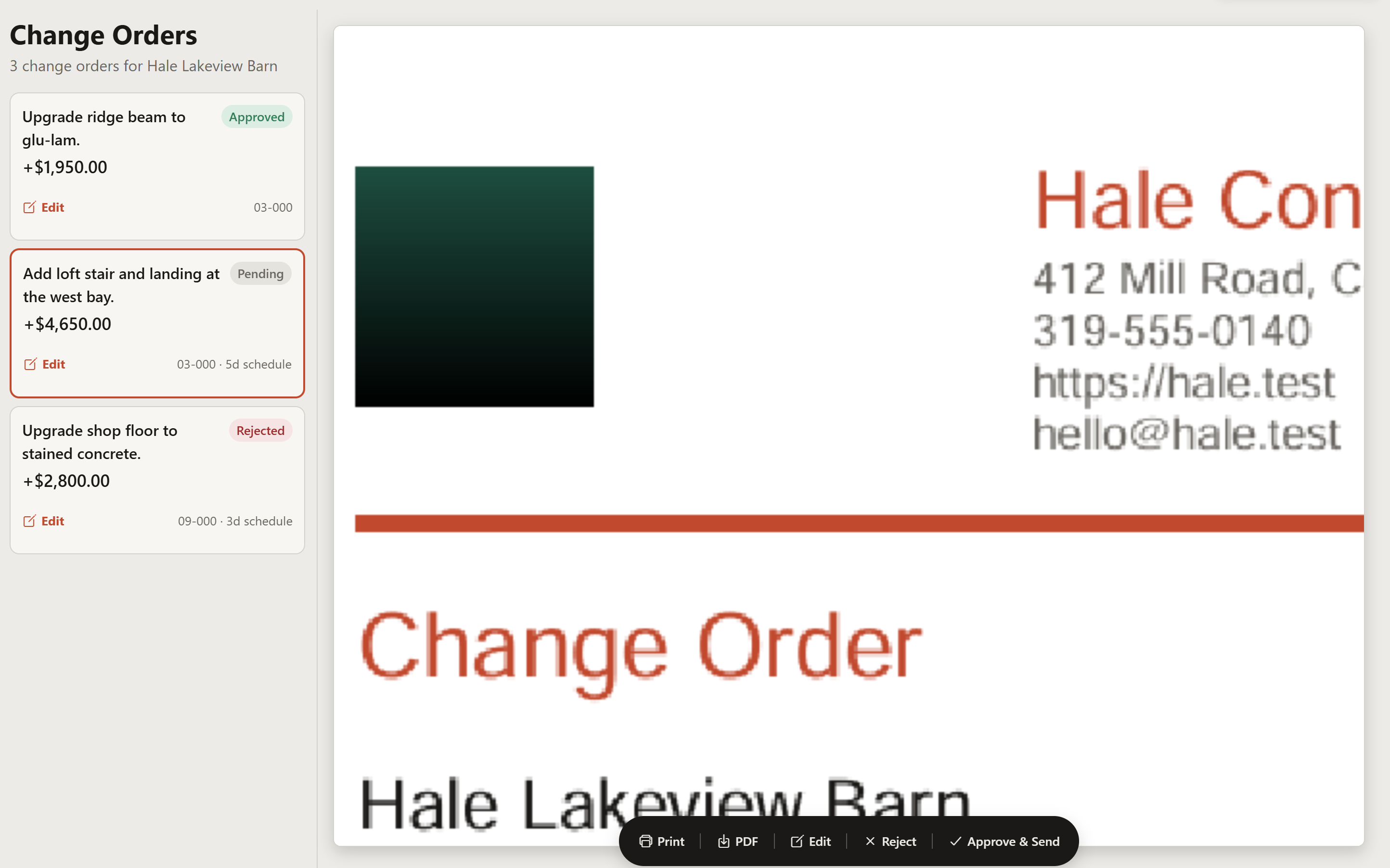
The extra
Ask Orvo writes the change order from what was agreed. You approve it.
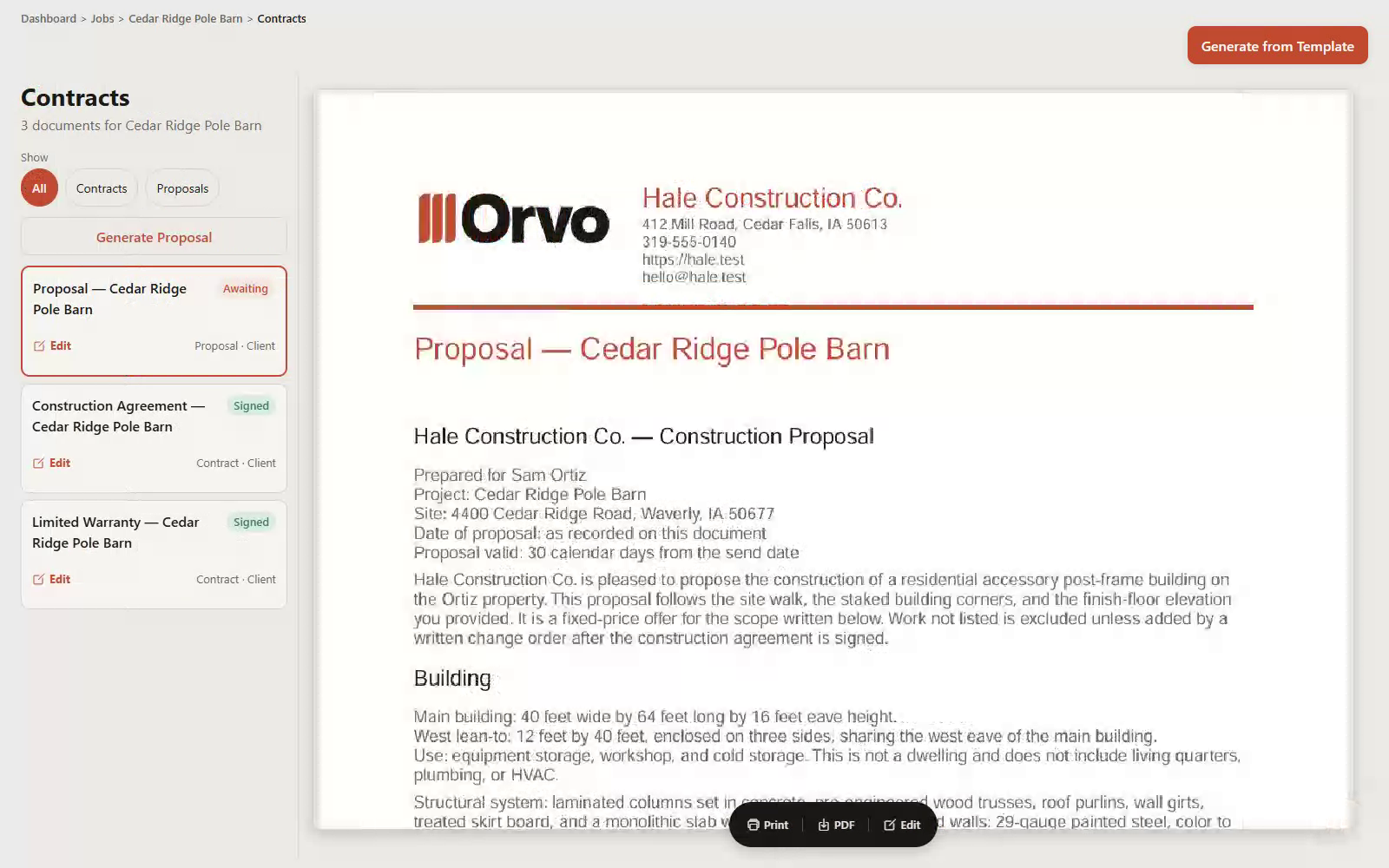
The contract
Ask Orvo drafts the contract from the accepted estimate. The client signs.


One system. The estimate becomes the contract. The contract becomes the job.
Price it, sign it, run it, and keep the money — without exporting anything into a folder named final_v3.
Also in the same place: leads, selections, vendors, sub views, files, crews, and job cost. See every feature.
The first paper the client sees is written from the estimate you already priced. Sam is signing the same barn you meant — not a rewrite that drifted in a shared folder.

The proposal Sam signed off on — before it became the contract.
Create a workspace and put the next job in one place. You approve what goes out.
Sign up
We built this inside a construction company.
We built Orvo inside a construction company because the tools we were paying for did not talk to each other, and nobody on the other end had ever written a change order. Six subscriptions, four logins, and the schedule still lived on a whiteboard.
It is for owners who still touch the work — and are tired of being the office, the estimator, and the project manager after the crew goes home.
The questions owners actually ask.
What is Orvo?
Orvo is construction software for owners who still run the job. An agent drafts estimates, change orders, and contracts from work you have already done, and puts them in front of you. Clock-in, daily logs, receipts, and QuickBooks live in the same place. You stay in charge.
Who is Orvo for?
Owners of construction companies who still touch the work — remodelers, residential builders, and specialty contractors, often four to twenty-five people — who are tired of being the office after the crew goes home. It is not a field-service dispatcher and it is not an enterprise suite.
Is this going to try to run my company without me?
No. An agent drafts the work and puts it in front of you. Nothing that spends money, signs a name, or promises a date to a client goes out unless you say so. You are still in charge and fully responsible for what gets sent out.
What if I already have QuickBooks, a client folder and a time clock?
Bring them. Orvo is the office those tools should have lived in. QuickBooks connects. Clients get a real view instead of a shared folder. The crew clocks in on the job instead of on a separate app nobody opens.
How is this different from Jobber, Buildertrend, or a folder of PDFs?
Those tools each do a slice. Orvo is the job — the estimate becomes the contract, the contract becomes the job, and the books stay attached. An agent drafts the office work from jobs you already did, so you are not starting from a blank page. You approve what goes out. The subscription is month to month, with no annual contract. How the price sits next to Jobber is on the Price page. Orvo is not cheaper than every Jobber plan.
What does signing up actually mean?
Orvo is open. Create a workspace to start. Sign up to create your workspace. You are billed month to month, with no annual contract. Month to month. No annual plan, no annual contract, cancel anytime. The numbers are on the Price page. The app shows the price again before you are charged. This site is not the product contract.
Is my crew going to need training?
Clock-in and daily logs are built for a phone in a gloved hand on a windy site. The owner side is built for a desk. Nobody is handing you a forty-page manual. And just ask Orvo anything and it will teach you how to use it!
What’s the price?
Month to month. No annual plan, no annual contract, cancel anytime. The numbers are on the Price page. The app shows the price again before you are charged.
Is Orvo available today?
Orvo is open. Create a workspace to start. Month to month. No annual plan, no annual contract, cancel anytime. The numbers are on the Price page. The app shows the price again before you are charged. This site is not the product contract.